Work/TV guide app

A TV guide you can try from the homepage.

MyTVGuide turns a TV box into a proper programme guide and player for the TV service people already pay for. It had a working product, a plain website and no real logo. We designed its identity, made the full brand kit for the app stores, the app and the web, and rebuilt the website around the free trial and a guide visitors can drive themselves.

Sector
TV guide app
Scope
Identity, brand kit, website
Timeline
Four days
Status
Rolling out
mytvguide

The new site, recorded top to bottom.

The client

A better guide for the box you already own.

MyTVGuide is a paid app for Android TV, Google TV, Fire TV and Android phones. People bring the TV service they already pay for, and the app turns it into a cable-style guide, with pause and rewind for live TV, search across everything that's on, a favourites list for each person at home, recording and catch-up.

It doesn't sell or provide any channels. It makes the ones people already have easier to watch, and it runs in 17 languages.

Plans
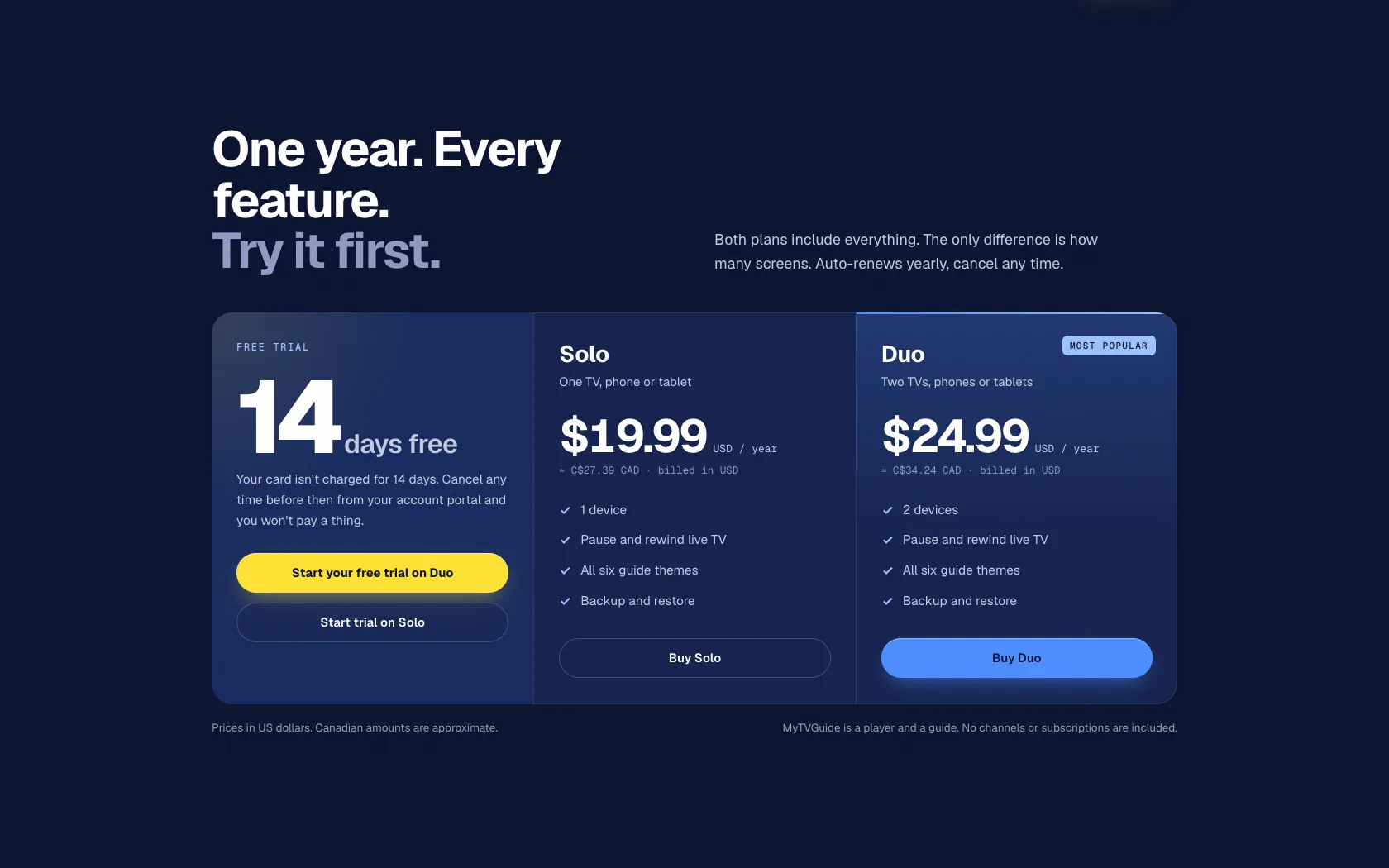
Solo $19.99 a year, Duo $24.99 for two devices
Trial
14 days free, every feature
Devices
Android TV, Google TV, Fire TV, Android phones
Where they started

A good app behind a plain page.

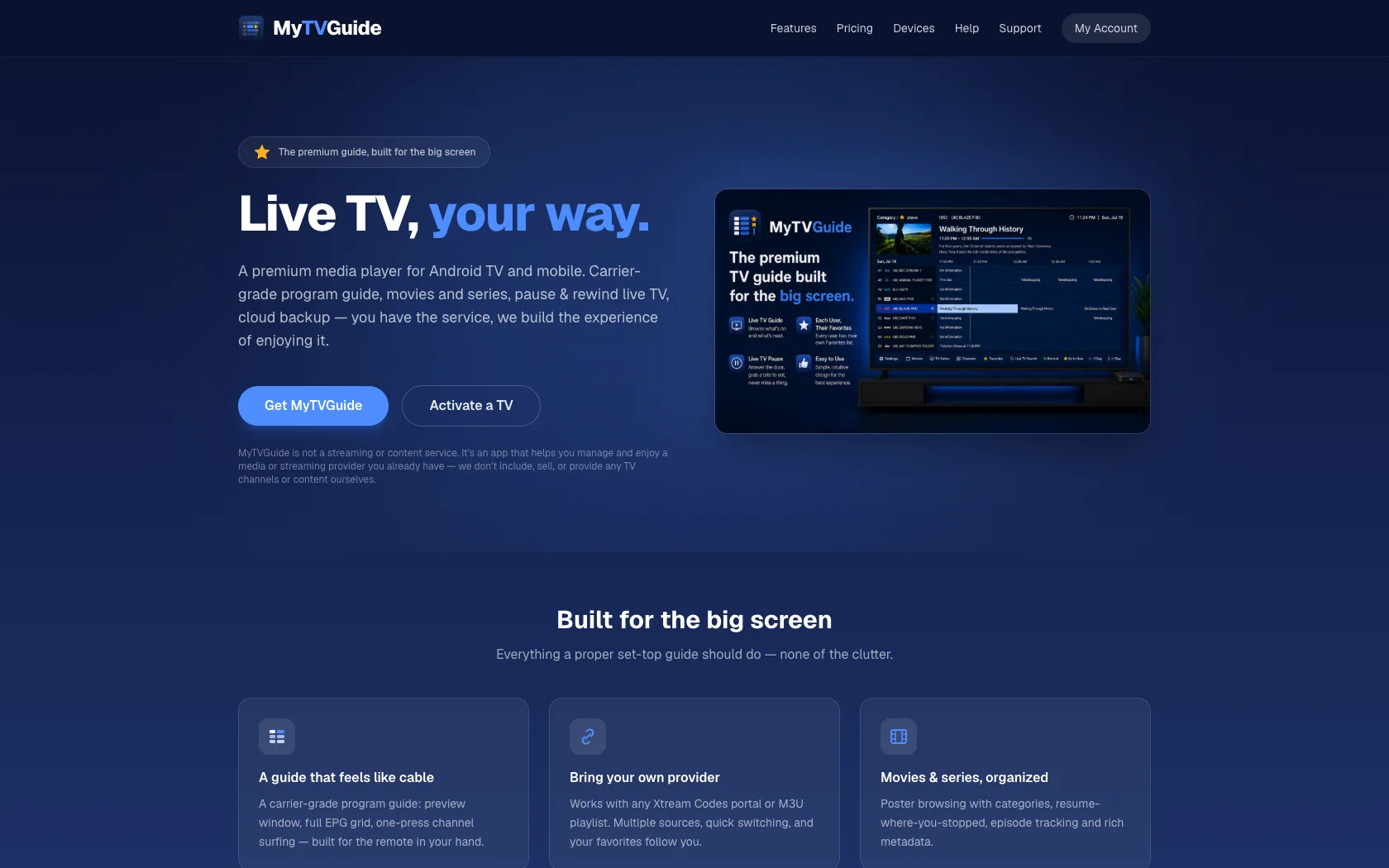
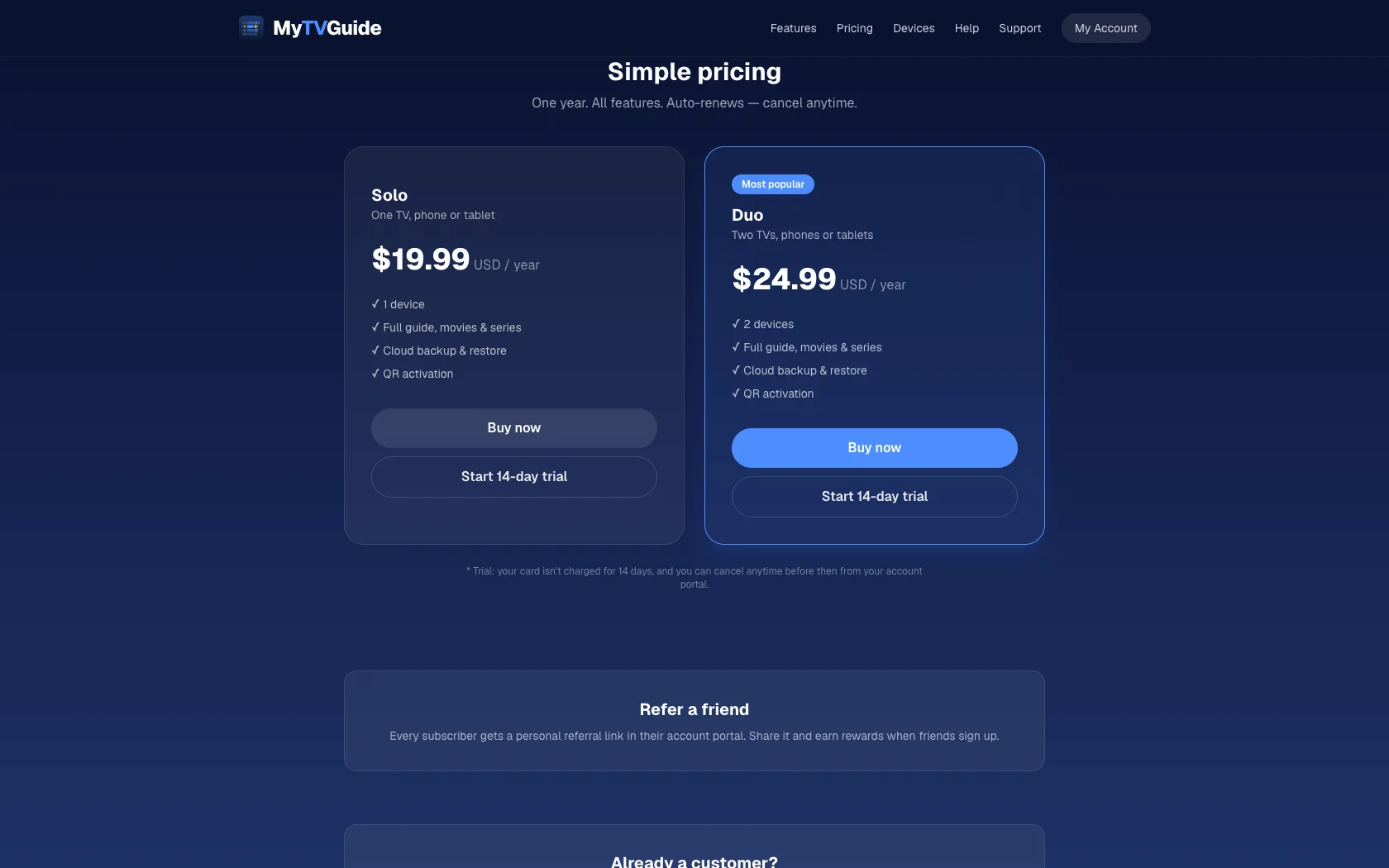
There was no real logo, just a small icon with the name typed beside it, and nothing made for the app stores. The website worked, but it looked like a template: a flat navy gradient, rounded cards and pill buttons, seven features given equal weight, and still pictures of a product people use on a TV.

The best offer, a 14-day free trial, only appeared near the bottom of the page, in the pricing, behind a generic “Get started”.

The product was good. Nothing on the page made it look worth paying for every year.

mytvguide

The old site, top to bottom.

What needed fixing

Five problems, one brief.

  1. 01

    No identity

    Nothing ownable on the Fire TV home row, in the app stores or in a browser tab.

  2. 02

    Everything equal

    Seven features with the same weight, so nothing set it apart from other TV players.

  3. 03

    The offer, buried

    The free trial, its best offer, sat in the pricing section near the bottom.

  4. 04

    Nothing to try

    Screenshots of a TV product, and nothing a visitor could actually use.

  5. 05

    Not worth paying for

    It didn't look like something to pay for every year.

The identity

The bar under every show.

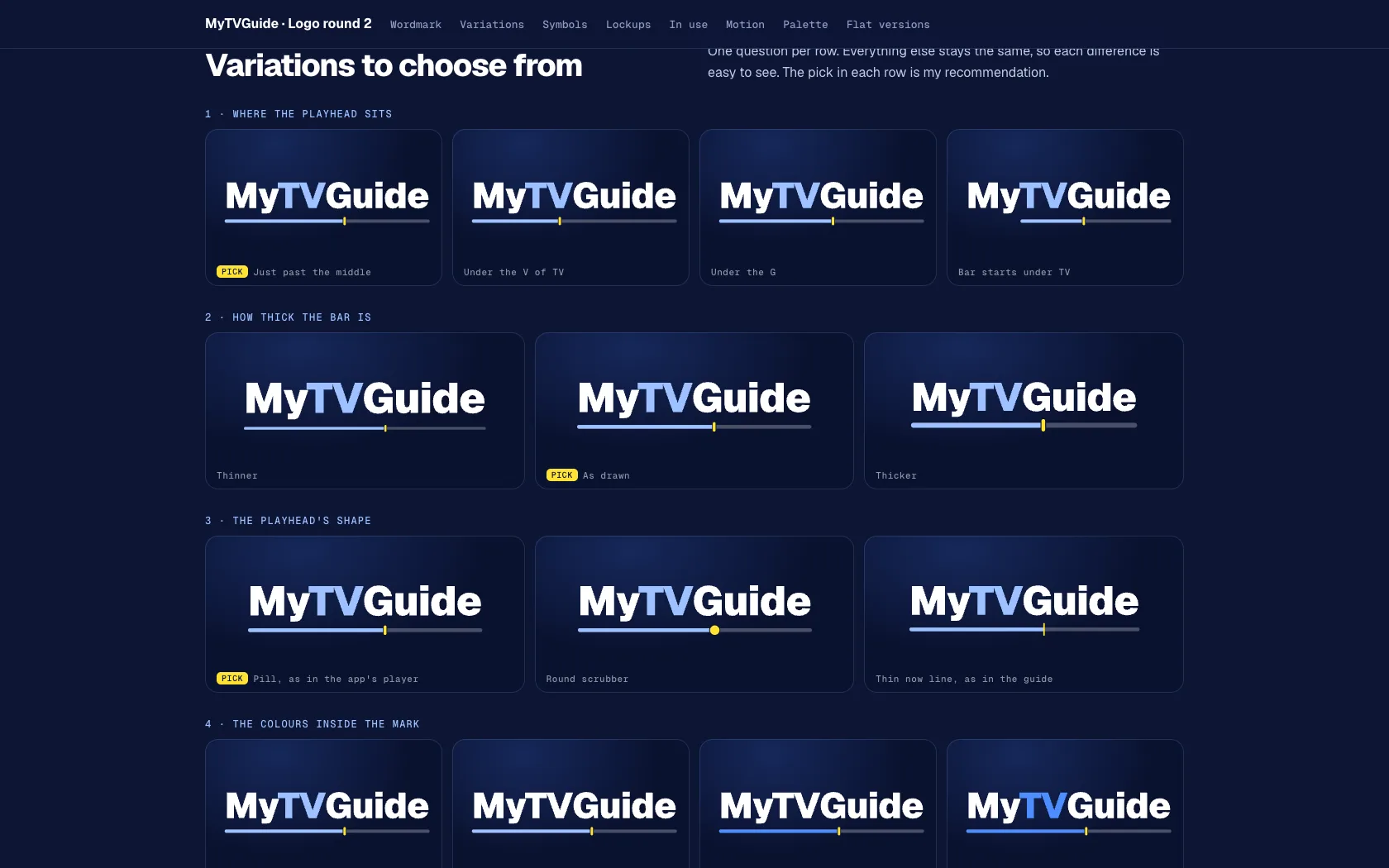
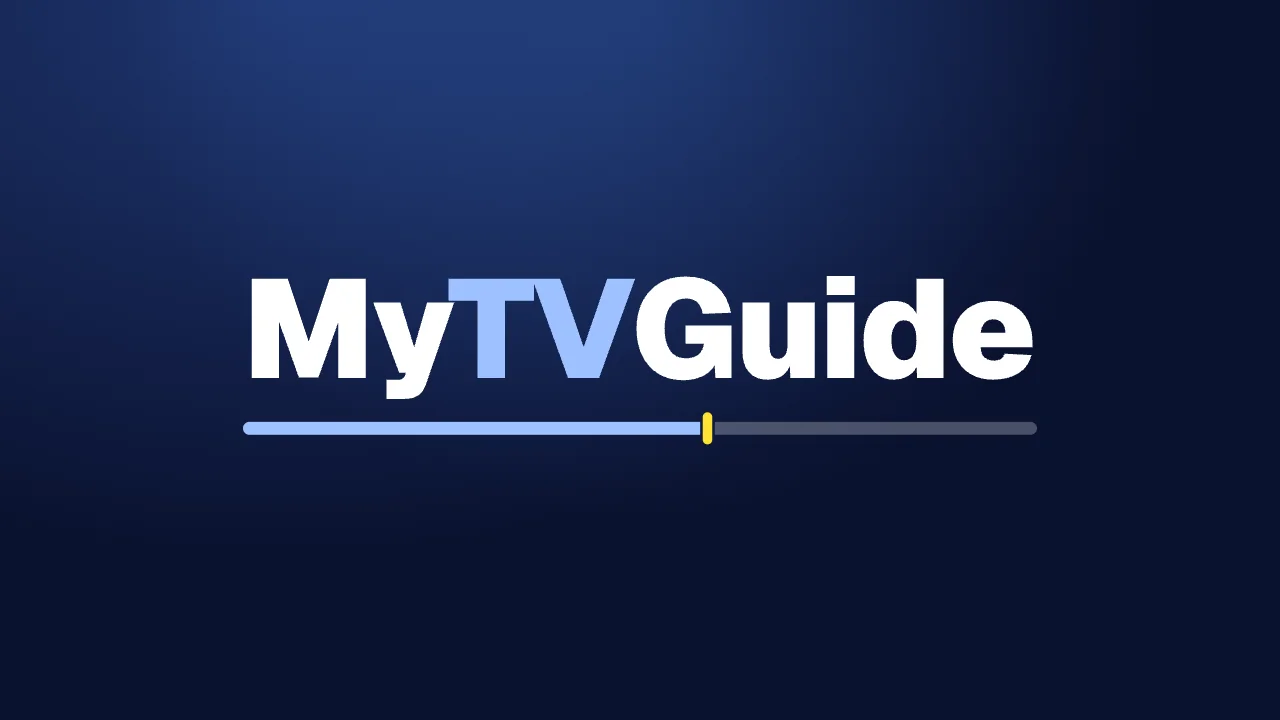
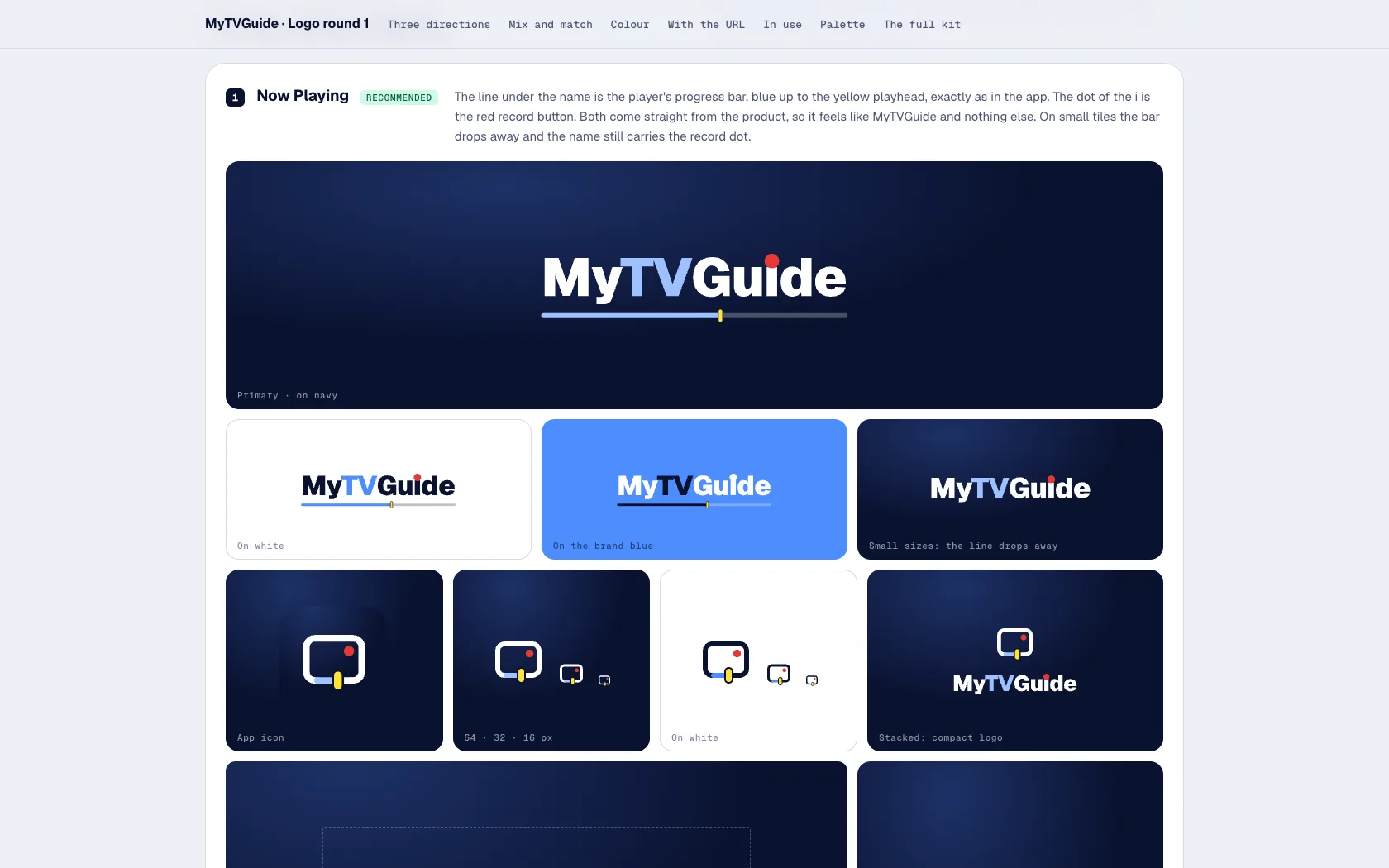
Everyone who watches TV knows the progress bar: the programme, played up to the playhead. MyTVGuide's logo is its name with that bar underneath, “TV” and the bar in light blue and the playhead in the same yellow as the app's play button. It reads as TV straight away, and it animates naturally: the bar draws in and the playhead slides to its mark, like resuming a show.

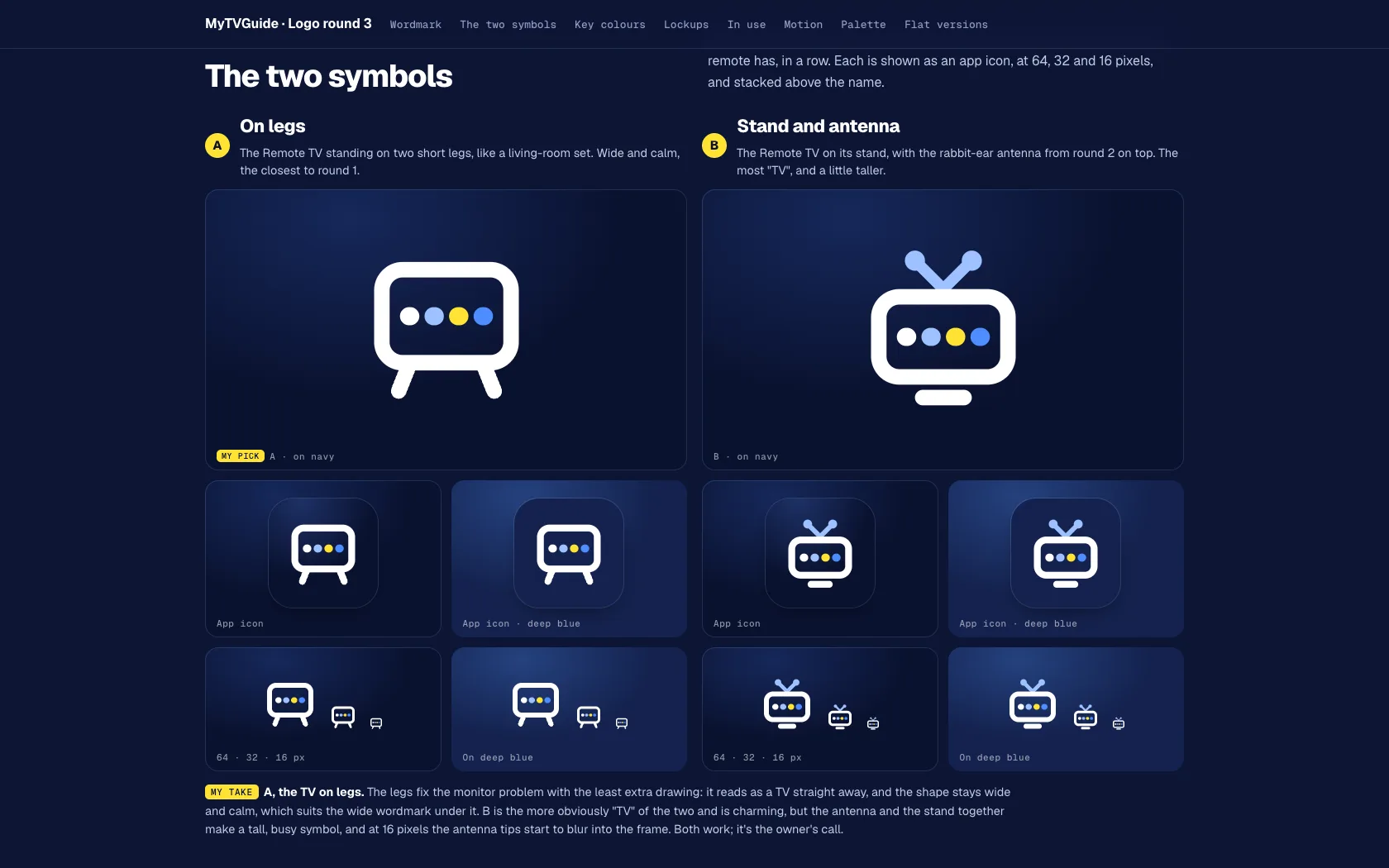
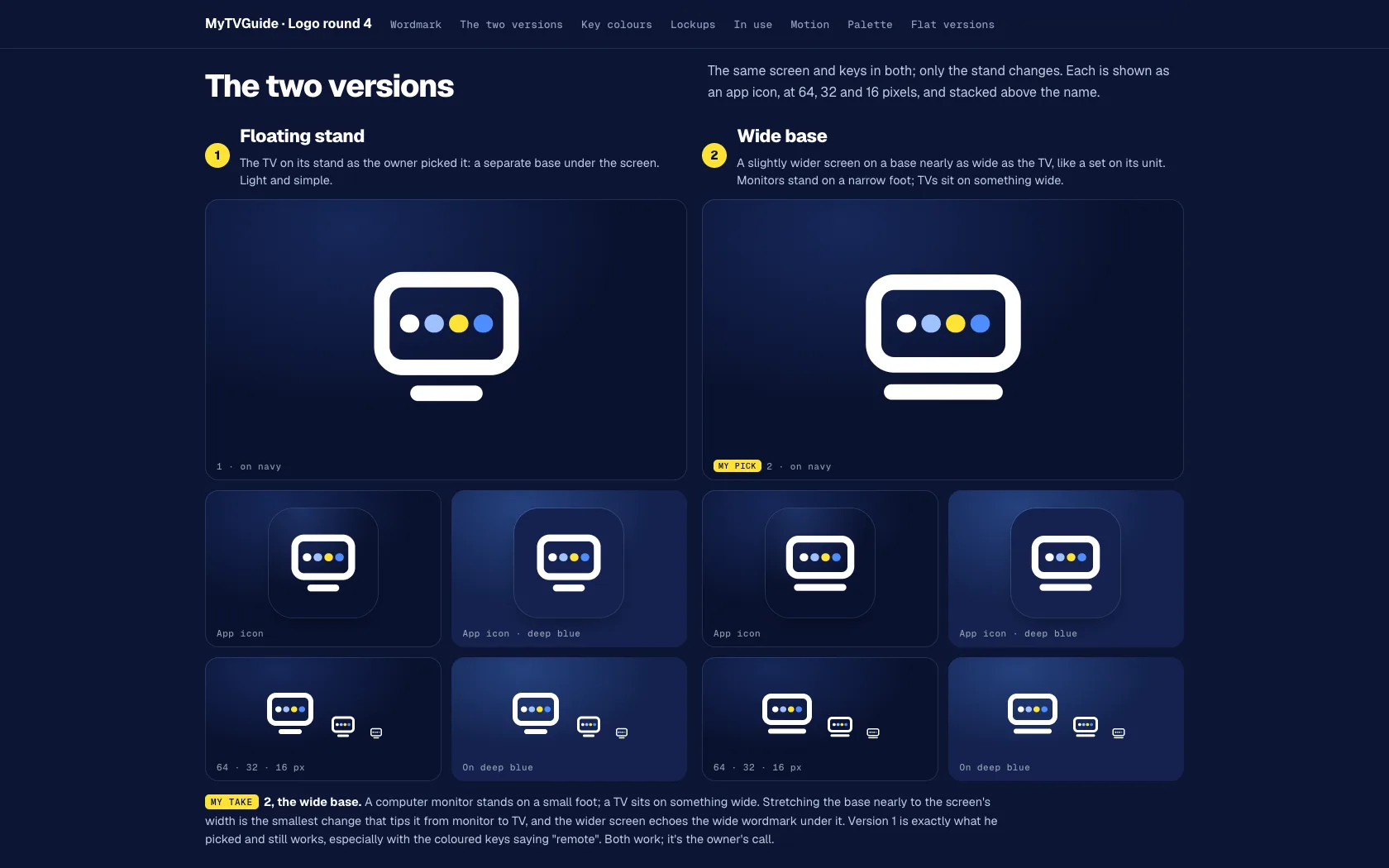
The symbol is a TV showing the four colour keys every remote has, recoloured to the brand, on a wide base so it never reads as a computer screen.

Their call

Their brand, their call. We showed the owner directions in four rounds over a single day, and every decision was theirs: the wordmark, the colours, the symbol and the wide base it stands on. We refined what they picked and built exactly what they asked for.

round 1
MyTVGuide logo round 1 · three directions
Round 1 · Three directions
round 2
MyTVGuide logo round 2 · refining the bar
Round 2 · Refining the bar
round 3
MyTVGuide logo round 3 · the tv symbol
Round 3 · The TV symbol
round 4
MyTVGuide logo round 4 · the wide base, chosen
Round 4 · The wide base, chosen

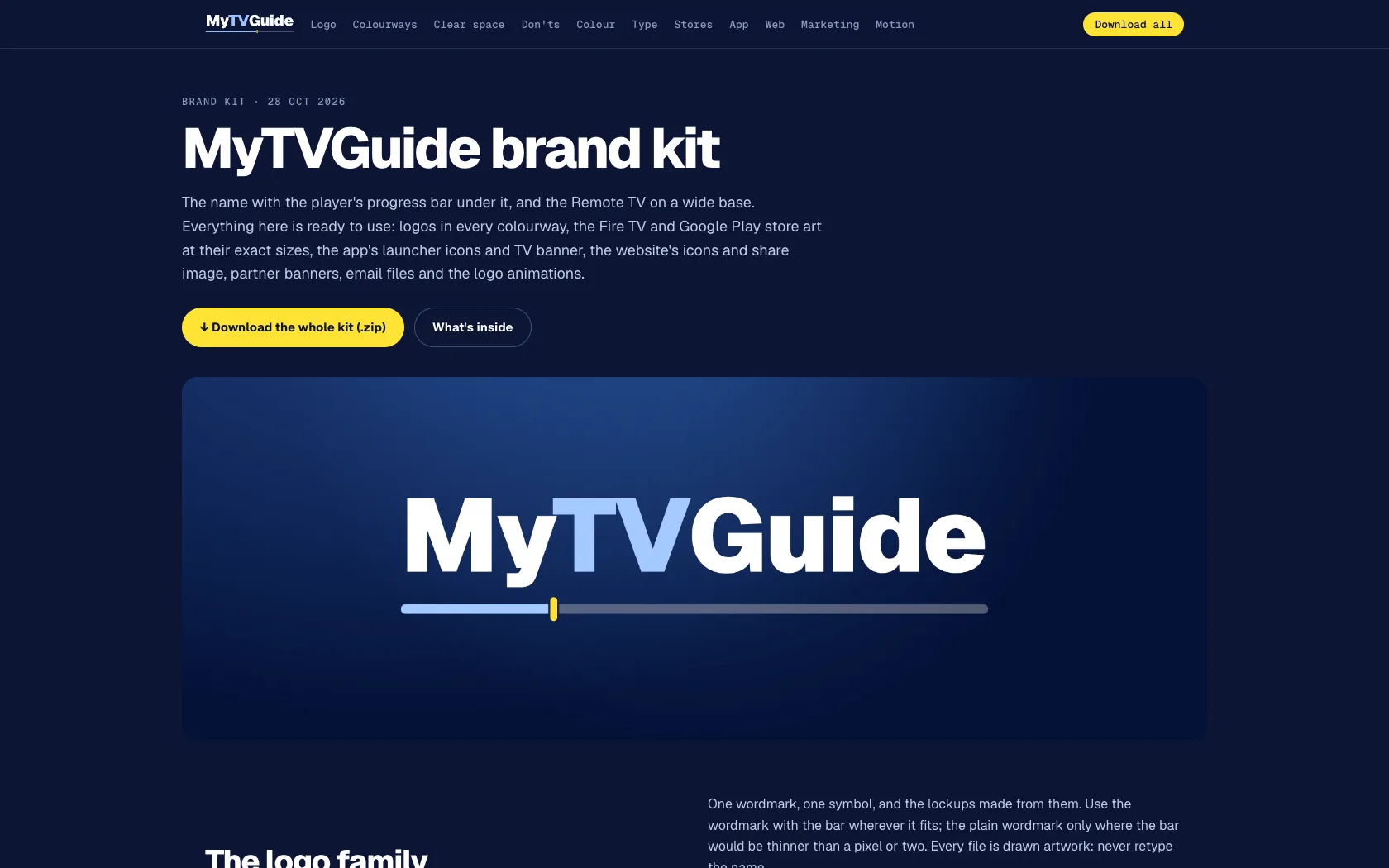
188 files, ready for every store.

Logos in every colourway, Fire TV and Google Play art at each store's exact sizes, the app's launcher icons and TV banner, web icons, partner banners and two logo animations. Everything is generated from the logo's own outlines, so the whole set stays consistent and rebuilds in seconds if anything changes. It all lives on one page with a one-click download.

Navy#0A1230
Deep blue#14224E
Brand blue#4D8DFF
Light blue#9DC1FF
White#FFFFFF
Play yellow#FFE234
Geist ExtraBoldHeadlines
GeistText
Geist MonoTimes, channel numbers and codes
wordmark launch

The launch animation.

stacked intro

The stacked intro: the keys light up like a press on the remote.

brand kit
The MyTVGuide brand kit page

The kit, on one page.

brand kit
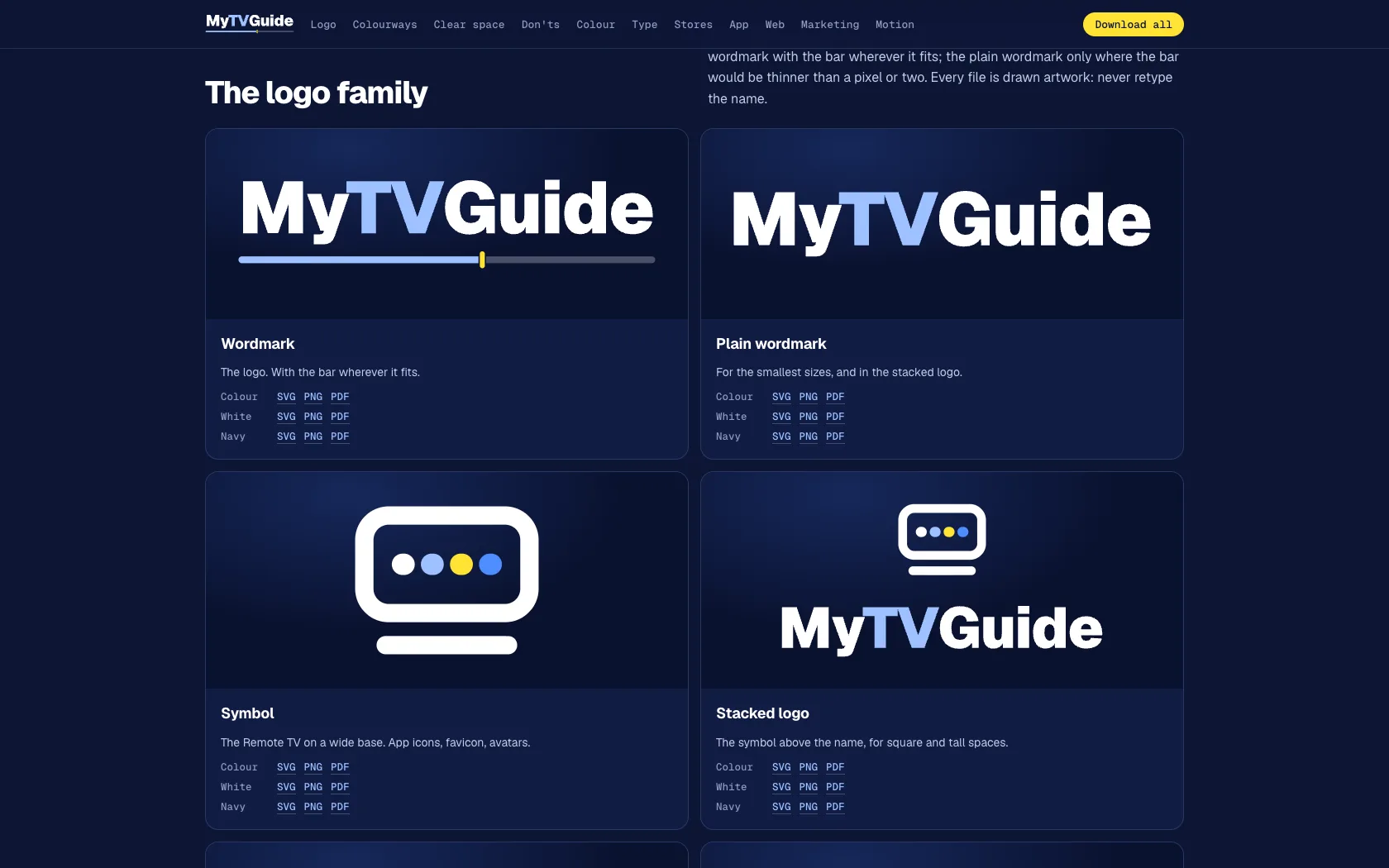
The MyTVGuide logo family in the brand kit

The logo family, and when to use which.

fire tv tile
The MyTVGuide Fire TV app tile

The Fire TV tile, inside Amazon's safe area.

The website
01 · The guide

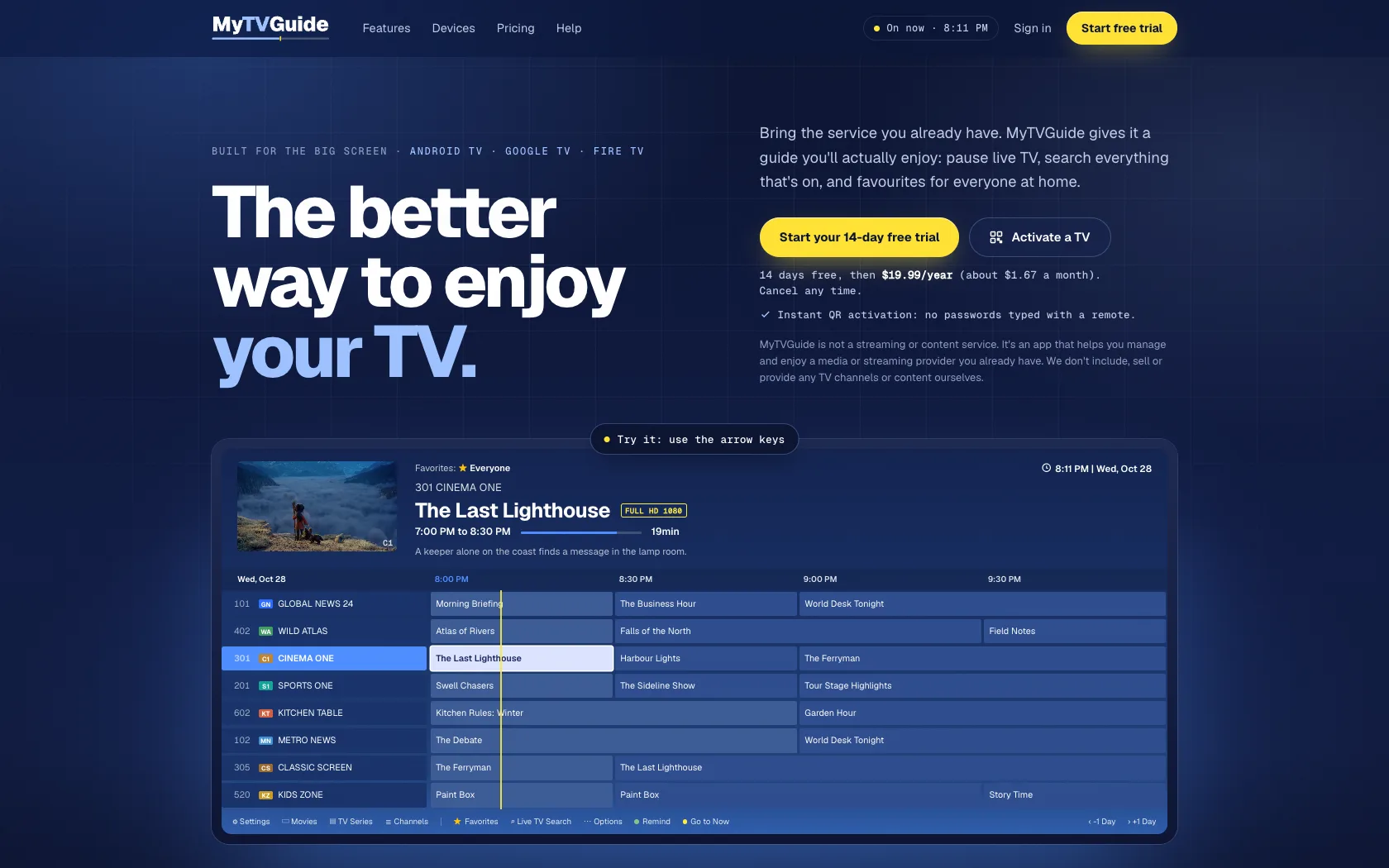
Try it before you read about it.

A working copy of the app's guide sits in the hero. Surf channels with the arrow keys, switch between its six colour themes and watch the preview window play. Every screen is live code with made-up channels, not a screenshot, so it stays sharp at any size.

mytvguide
02 · Pause and rewind

Scroll to rewind.

Life doesn't pause, but the TV can. A clip plays under the app's real player bar, and scrolling scrubs it back and forth, so visitors feel the feature instead of reading about it.

mytvguide
03 · Search

Find it, then watch it.

The app's Live TV Search pop-up, working over the demo schedule: type and it finds programmes, not just channel names.

mytvguide
04 · Favourites

A list for everyone at home.

Pick a person, Everyone, Sam, Mia or Kids, and the guide swaps to their favourites.

mytvguide
Built to convert

Every change has a job.

There are no launch numbers yet, so here is what we built for conversion, and why.

  1. 01

    One warm colour, one action

    The whole site is blue. The only warm colour is the app's own play-button yellow, and it's used only for the free trial, so the eye always finds the next step.

  2. 02

    The offer, up top

    “Start your 14-day free trial” is in the nav and the hero, with the price and “cancel any time” right under it.

  3. 03

    Free first

    On both plans the trial is the main button, and buying outright is the second choice.

  4. 04

    Asked at the right moment

    The trial comes back straight after the two most persuasive demos, and again in the sign-off.

  5. 05

    Proof by doing

    Visitors drive the guide, search the schedule and scrub a rewind instead of reading a list.

  6. 06

    Objections answered

    Which boxes it runs on, what to do with a Samsung, LG or Roku TV, QR activation with no typing, and a plain note that it sells no channels.

Before and after

The same product, side by side.

Both sites recorded the same way, at the same size.

before
Before
after
After
homepage
MyTVGuide homepage after the redesignMyTVGuide homepage before the redesign BeforeAfter
HomepageDrag to compare
pricing
MyTVGuide pricing after the redesignMyTVGuide pricing before the redesign BeforeAfter
PricingDrag to compare
The result
  1. 01

    An identity it owns

    A logo and symbol that read as TV at a glance, from the Fire TV home row to a browser tab.

  2. 02

    Ready for every store

    188 files at the exact sizes Amazon and Google ask for, all from one set of outlines.

  3. 03

    A site that sells the trial

    The free trial up front, and a product visitors can try before they read.

Every picture and clip inside the new site is stock, public domain or CC BY, credited on the site. Big Buck Bunny © 2008 Blender Foundation | www.bigbuckbunny.org. Photo by Kevin Woblick on Unsplash.

Start a project

Let's talk about your project.

Tell us about your business and what you'd like to improve. We'll review the details and see whether we're a good fit.

We work on a limited number of projects at a time, staying closely involved from the first review through the relaunch.

Studio
Toronto